

Our Q3 2026 product updates cover improvements to everyday editing, Docker deployment, Pro Applications, XWiki Cloud, and CryptPad security updates. You'll also find the latest developments for the XWiki MCP Server (Beta), which lets you connect AI agents to content stored in your wiki on your terms.
Without further ado, let's get into it. (For easier reading, click on the topic of interest in the table of contents below.)
AI development
*
Q3 has been marked by substantial contributions to the MCP Server (Beta). It's now easier to configure and give AI agents multiple ways to work with your XWiki content.
Configure the MCP Server from XWiki
Admins now have a simple settings page inside XWiki to configure the extension, without editing configuration files.
XWiki MCP Server configuration page
We also added the option to give agents the rendered version of a page. This is useful for pages that rely on macros. In this case, the agent can work with the content as it appears to readers, which leads to more accurate answers.
Work with structured data
AI agents connected through the MCP Server can also read, write, and delete:
- Pages
- Objects and classes
- Attachments
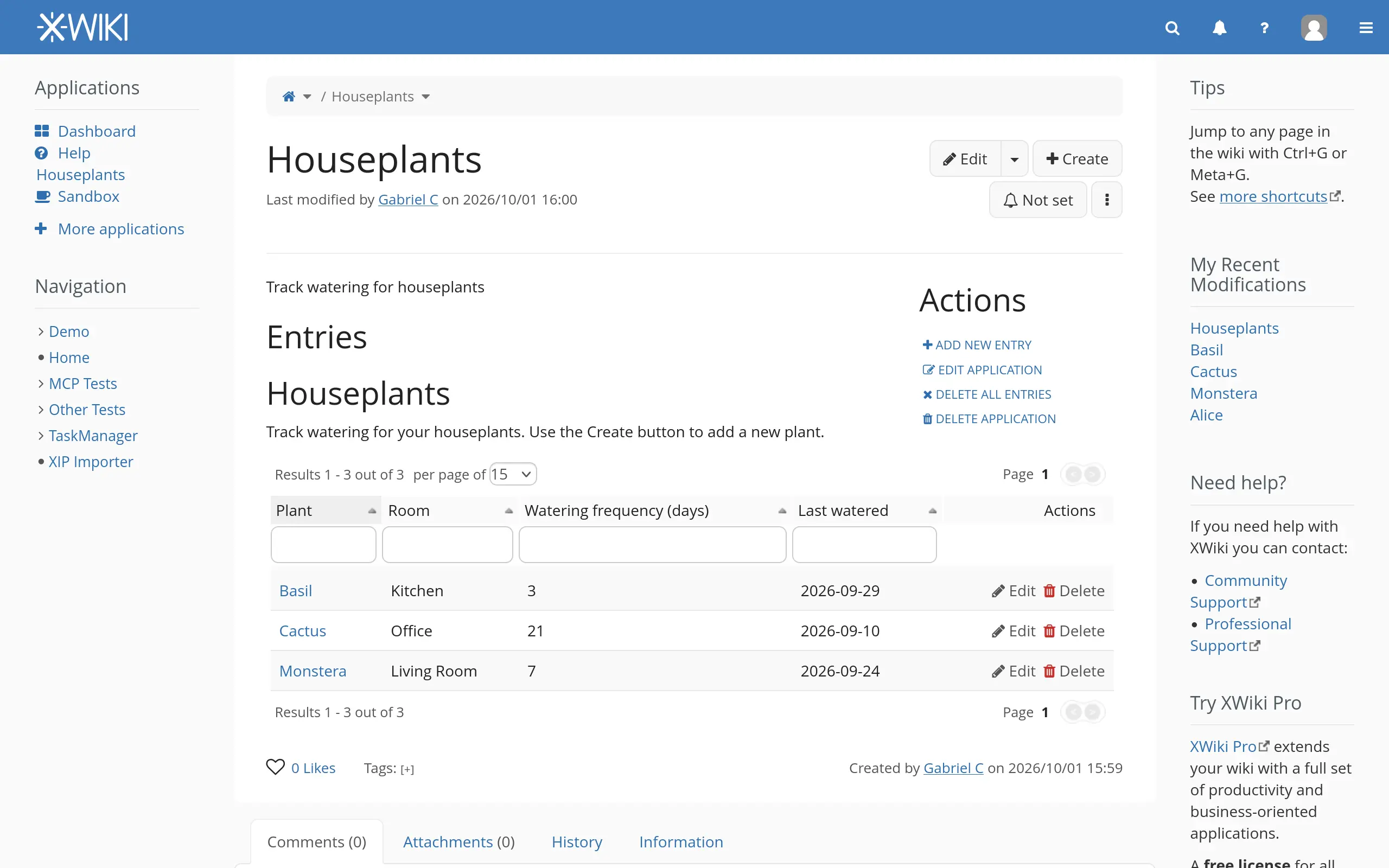
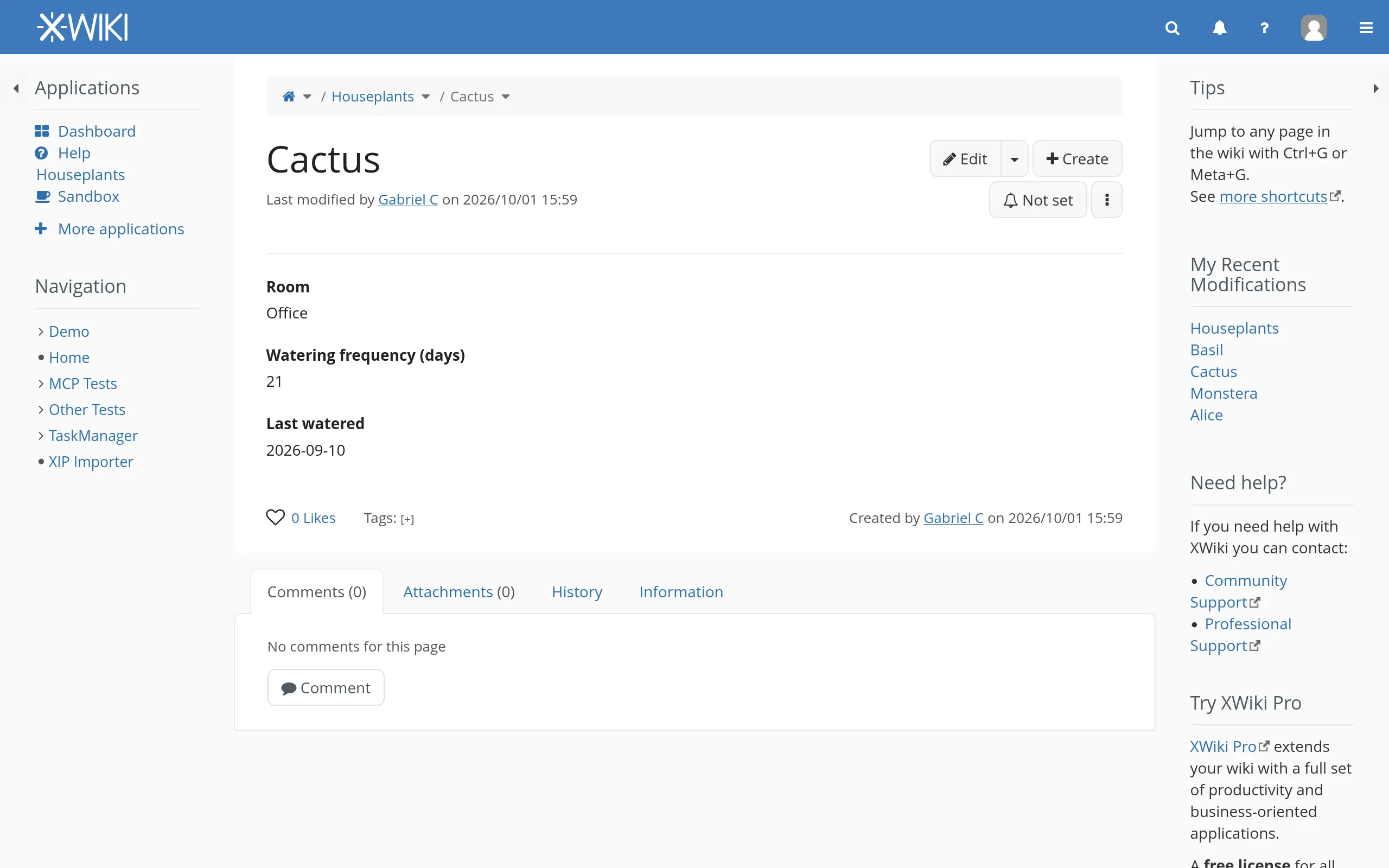
This means they can now work with App Within Minutes and other structured data, not just plain content in a page. They can also access page history and backlinks to understand how content has changed and how pages are connected.
What you can try today
In practice, you can ask your AI agent to:
- Find information in your wiki
- Create or edit pages
- Work with structured data
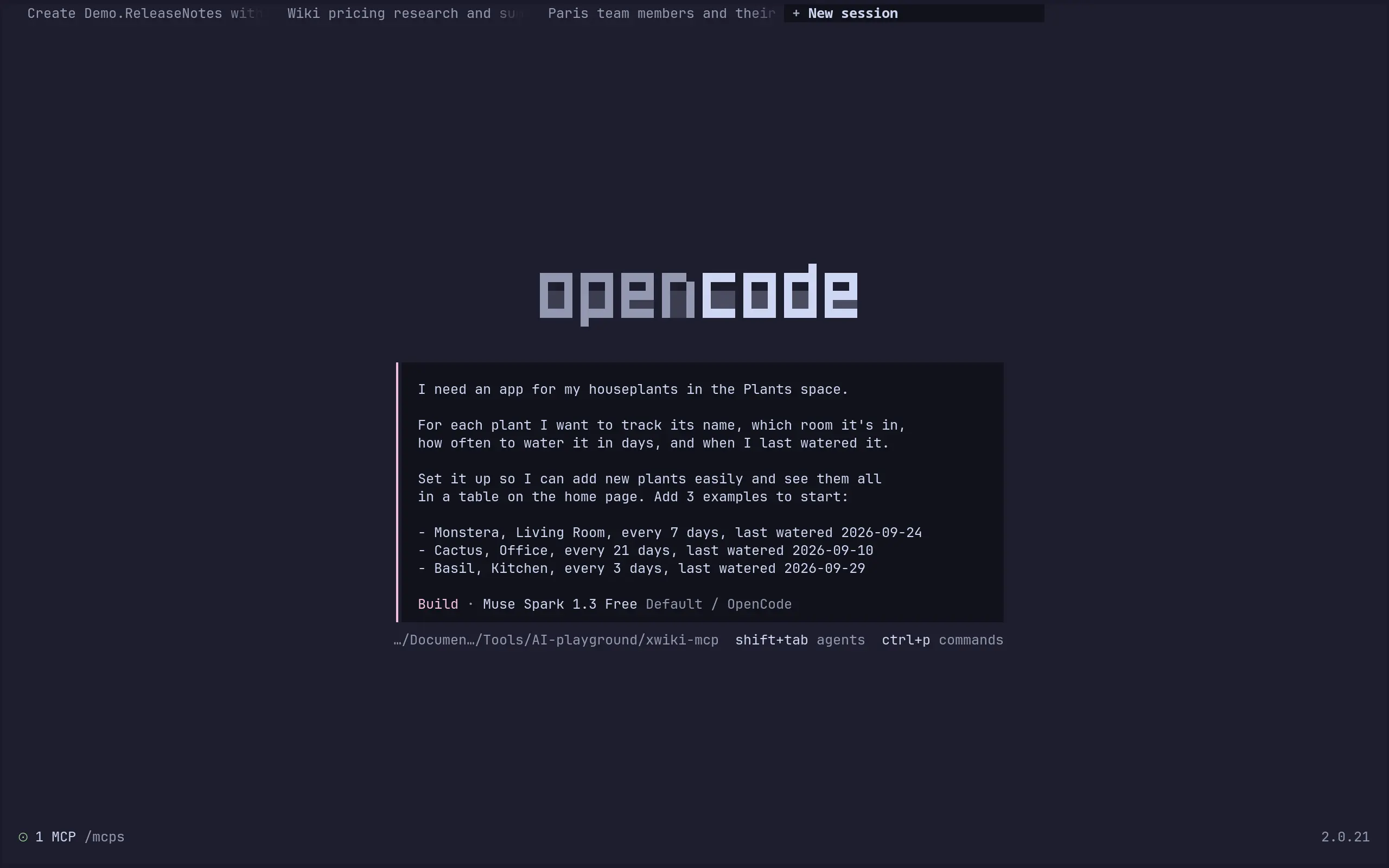
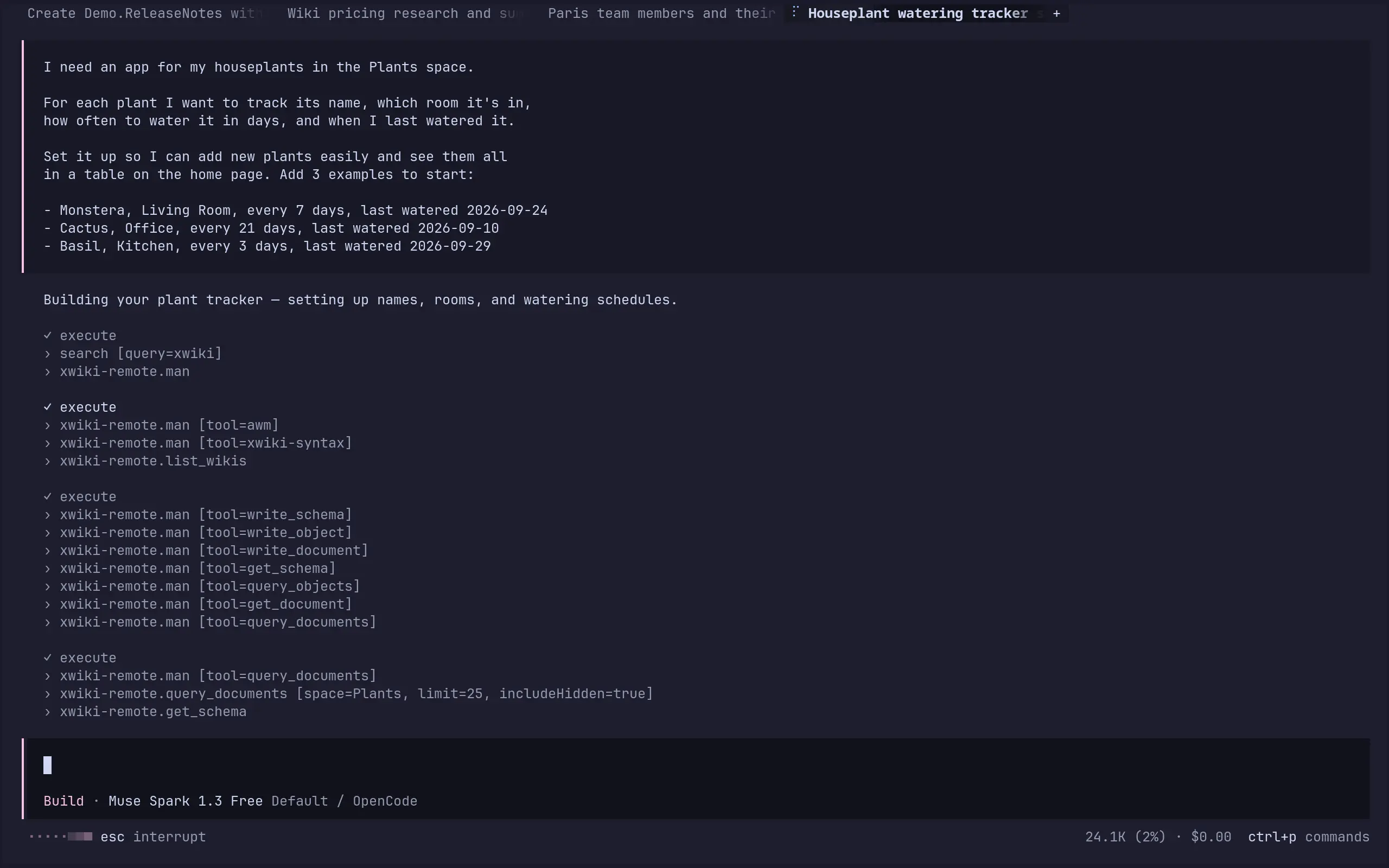
- Build a structured application
The MCP Server is open source, self-hostable, and completely optional, so you control if and how your AI agent connects to XWiki. If you combine it with a self-hosted XWiki workplace and LLM, and you can keep your knowledge, MCP Server, and AI agent on infrastructure you control.
💡 Install the beta, connect your preferred AI agent, and try it on a real use case in your wiki.
👉 Tell us what works and what doesn't on Jira.
XWiki standard
*
#1 Live Data becomes easier to edit
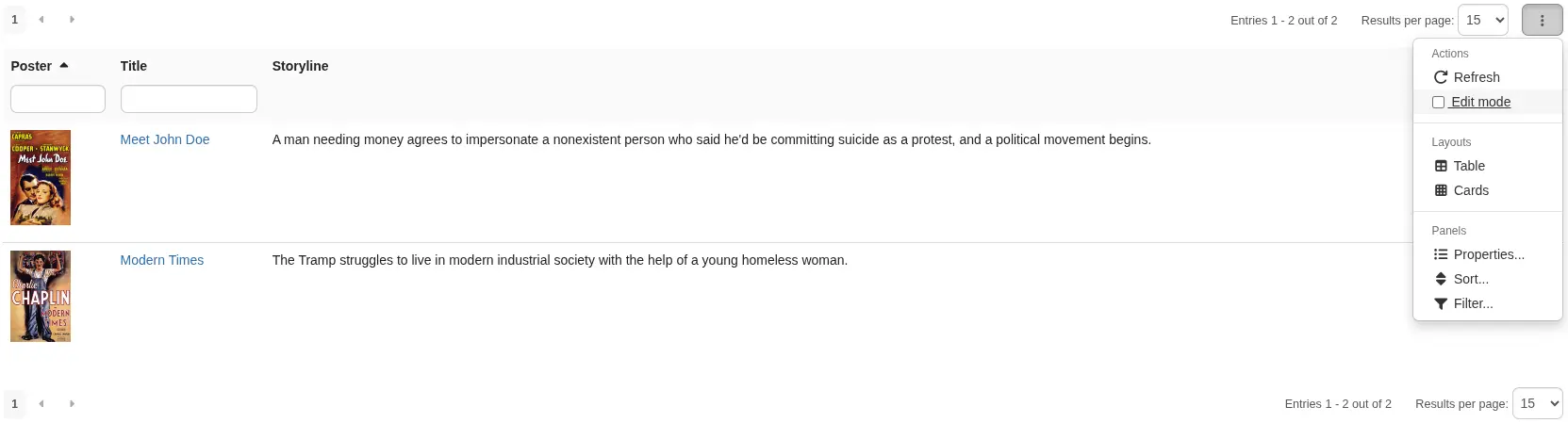
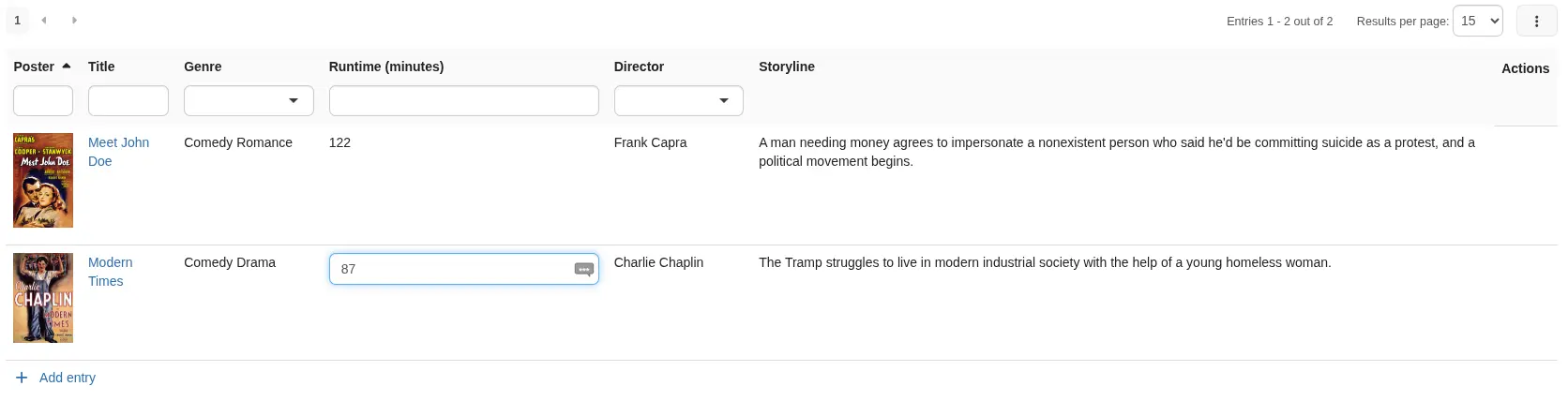
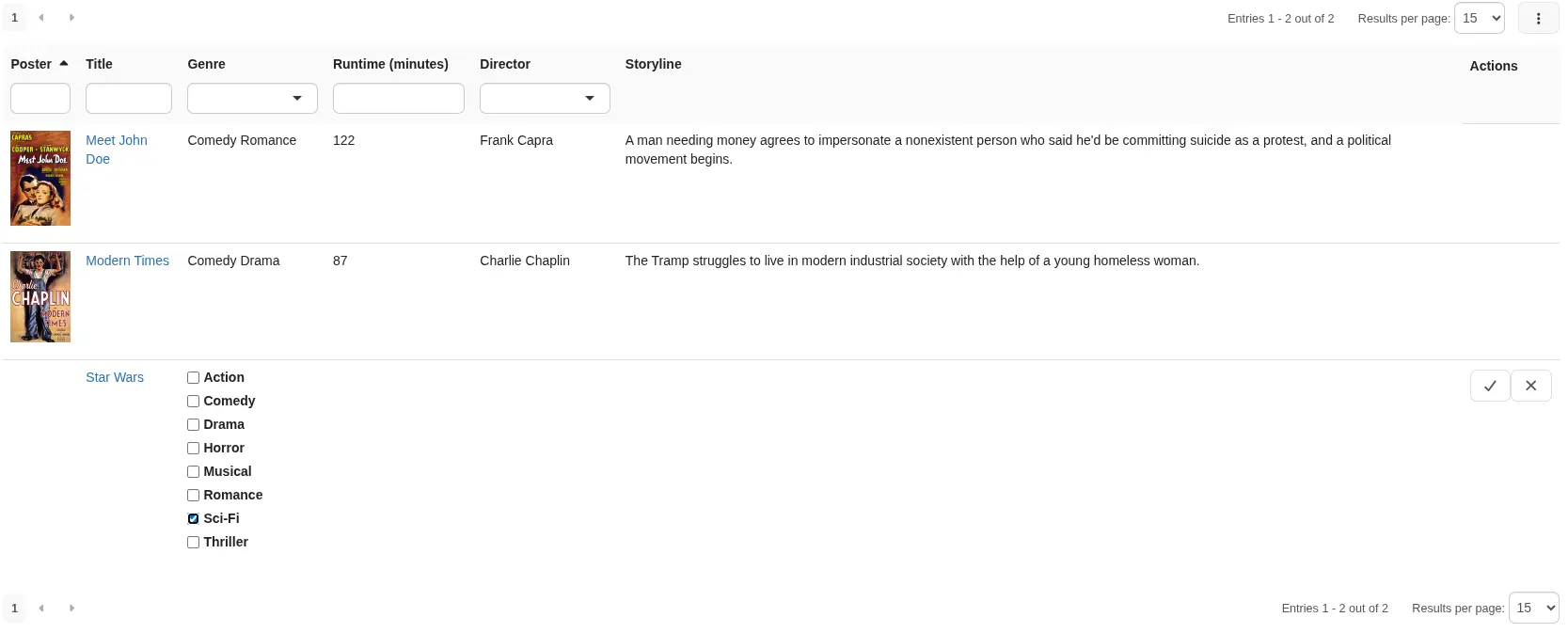
Live Data tables are getting more practical to work with. Last quarter, we introduced an experimental Edit Mode that lets you update your data right where you see it.
When Edit Mode is enabled, you can edit multiple cells at once. You can move between them using your keyboard, instead of opening and saving entries one by one. You can also create new rows directly from the table, without leaving the page or switching to another view.
The feature is still experimental, and we'll continue fine-tuning the experience in future releases.
💡 Enable Edit Mode on a Live Data table, try a bulk edit, and tell us what you think.
#2 UI refinements for a better user experience
In Q2 we also made several small changes to the XWiki interface so everyday tasks feel lighter and more comfortable. Here are a few significant ones:
- The attachment uploader has a new design that fits better with today's XWiki interface. It looks simpler for regular users, while still keeping all the information the previous version offered for advanced users.
Attachment uploader redesign: before and after
- Pages in the navigation panel now take up the entire available width. This makes it easier to click pages with short names.
- Also, panel titles now have a more compact view by default.
Pages in navigation panel take up the entire available width
- The Quick Actions hint is now in italics, so you can better tell it apart from regular text content.

💡 Tell us which UI improvements we should prioritize in our next roadmaps.
#3 Docker deployment gets easier and cleaner
We also improved the XWiki Docker images to make XWiki easier to deploy and maintain, whether you run XWiki in production or use it for development.
The images now support setting up an external Solr instance correctly, and you can control the database port used by the image. They also support a read-only root filesystem, which helps with stricter security setups.
Another improvement is that XWiki logs are stored by default in the XWiki permanent directory, under logs/, so they are easier to find and keep.
For developers, Docker tests can now install the XWiki Standard (XS) Flavor and WAR instead of generating a minimal XWiki instance. This is useful for XS Flavor tests. It also helps when you want to take screenshots with the full XS interface while working inside the Docker tests of a specific module.
💡 Try the latest Docker images in your setup and see how the new options fit your deployment.
👉 Share your feedback on the installation documentation, the improvements, and what we could still do better. You can use the product feedback form or raise issues in the Jira project.
What's next
We're continuing to invest in the new BlockNote editor to have it available soon. Security also remains a priority, and we'll keep monitoring and addressing issues as they come up. On the usability side, we're investing in our next roadmaps to make Live Data even more practical to work with.
XWiki Cloud
*
#1 XWiki Cloud upgraded to 17.10.13
This upgrade brings the latest XWiki improvements and fixes to Cloud instances, including localization improvements, security updates, bug fixes, and faster PDF exports. Exports are now quicker, especially when many pages are involved, because links inside pages are processed more efficiently.
#2 XWiki Network improvements
The XWiki Network updates delivered in Q3 focused on stability and performance. Among them, we improved the way PayPal payments are handled and fixed a few small issues.
#3 Behind-the-scenes processes refinement
In the past quarter, we also worked on the XWiki Cloud platform to make it more reliable and easier to maintain. These updates include improvements to our backup processes and infrastructure deployment practices. While mostly happening behind the scenes, these changes help us keep improving the overall Cloud experience smoother.
Pro Applications
*
#1 Diagram Application (Pro)
You can find and manage diagrams easier. Starting with version 2.0, you can store them as attachments on the same page instead of in separate child pages. This way, they live closer to the content they belong to.
💡 Upgrade and try storing a diagram as an attachment and tell us what you think of the change.
👉 Let us know what you think of the improvement on the Store or on GitHub.
#2 Confluence Migrator (Pro)
Atlassian is deprecating the XML backup option. In response to this change, we added experimental support for migrating CSV backups. This lets you keep migrating from Confluence after the XML option goes away. The Confluence Migration Toolkit was also updated to include the latest versions of Pro Macros, Diagram (Pro), and Task Manager (Pro).
💡 Update to the latest version and let us know how your migration goes.
👉 Share your feedback on the Store or on GitHub.
#3 Pro Macros
During Q3, we've brought UX improvements to the most frequently used macros. Here are some of them:
- The Expand macro has a new animation.
- The animation speed of the View-file macro thumbnail has been adjusted.
- The Status macro colors now come in the form of a drop-down.
- The User List macro now explains its available properties more clearly.
💡 Try out the latest version of Pro Macros.
👉 Share your feedback with us on the Store or on GitHub.
#4 Calendar Application (Pro)
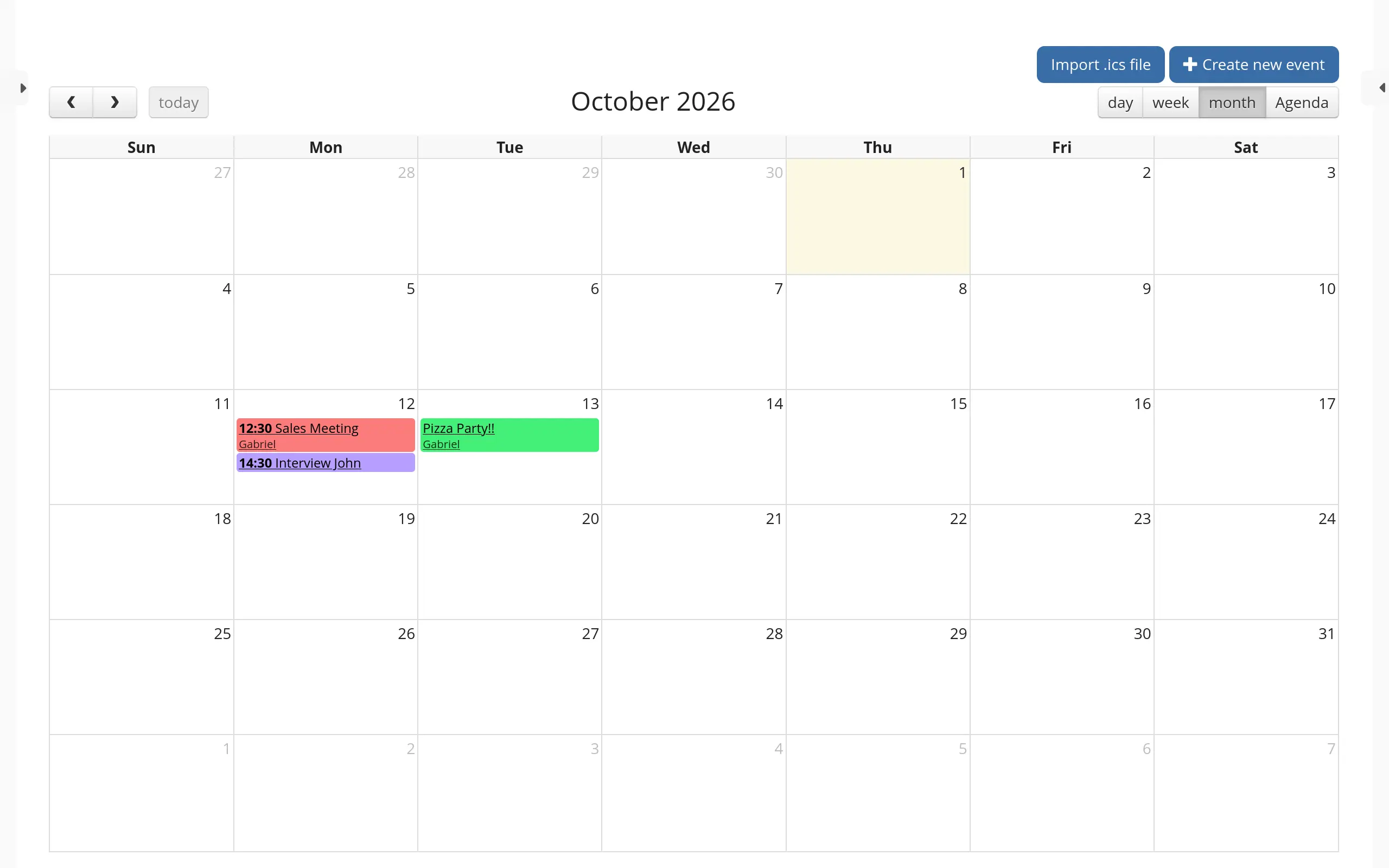
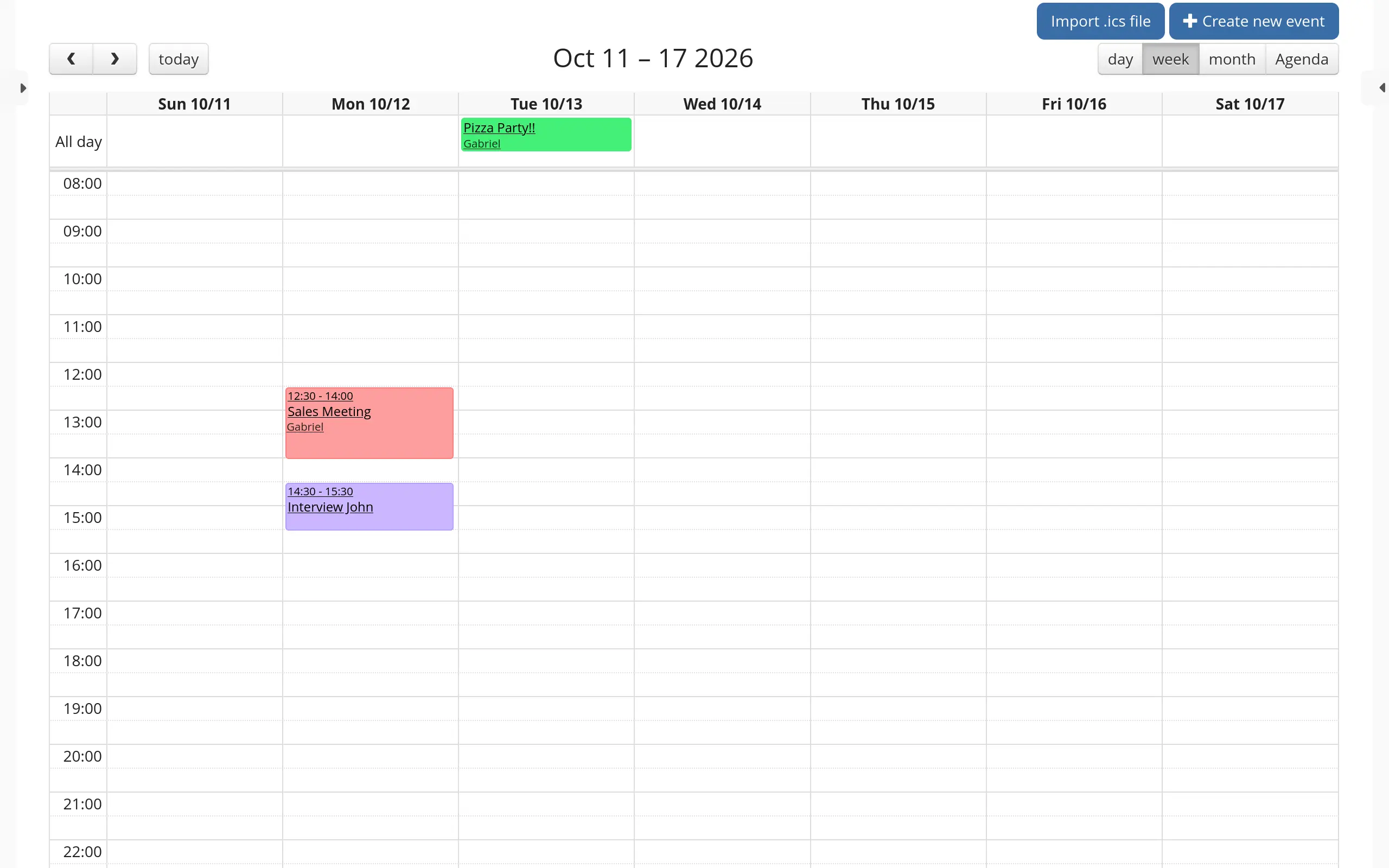
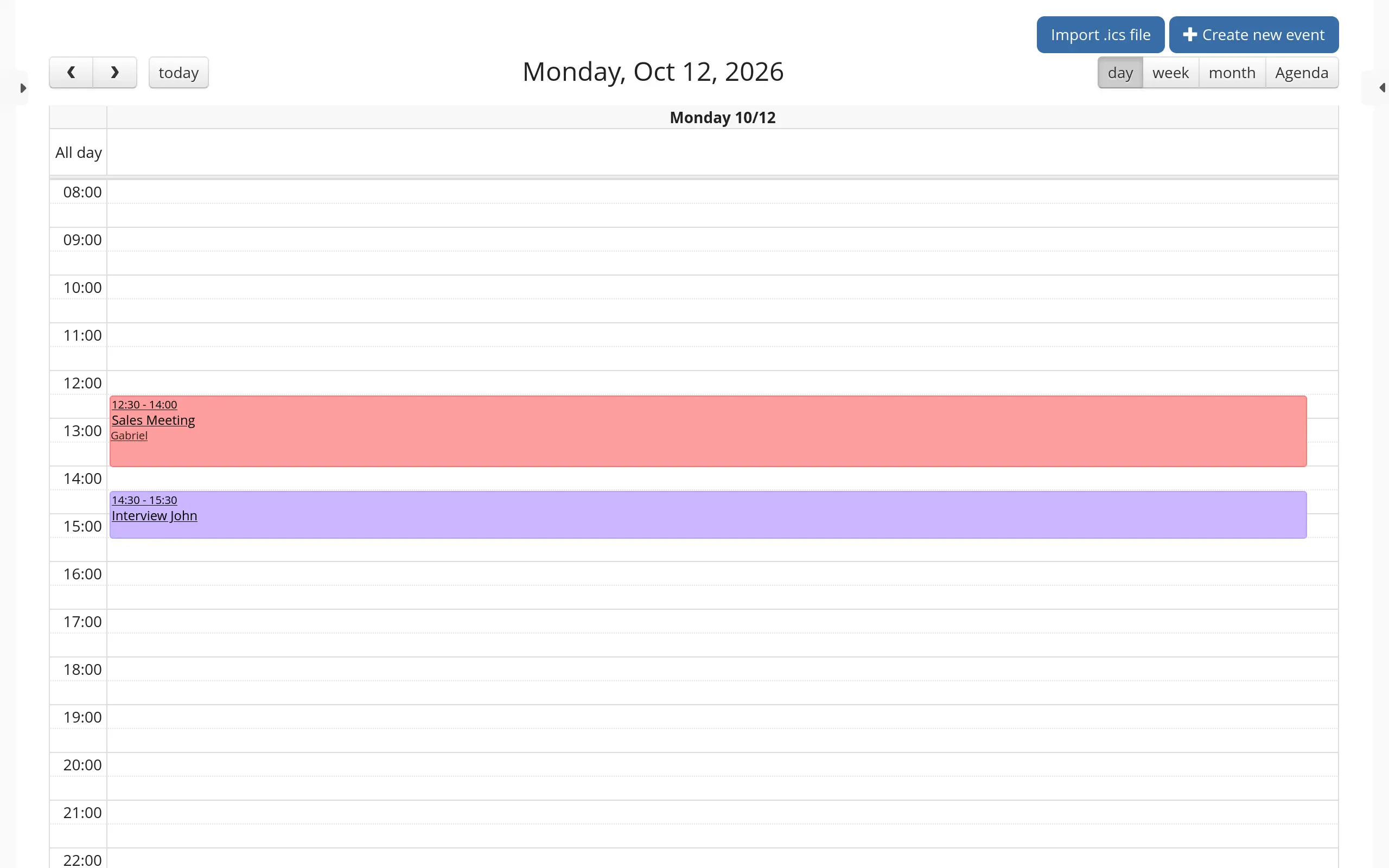
Calendars are now more flexible and reliable. You can set colors for meeting events and display the event author in the calendar view. We also fixed several iCal import and export issues.
💡 Update to the latest version, try the app, and share your feedback with us.
What's next
During Q4, we plan to continue working on the user experience of the Pro Macros. Let us know if there is something you'd like to see improved in this regard!
CryptPad
*
Security news
Last quarter, the CryptPad team has published a new security policy. Reporting works as before, by sending findings to <security@cryptpad.org>. What's new is the use of the Common Vulnerability Scoring System (CVSS) 4.0 for finer-grained assessment of attacks. The policy also sets a 90-day embargo after the patched public release before CVE publication. Finally, it extends coverage to all repositories maintained by the CryptPad team.
What's next
The Autumn release is on its way. It will cover the new scalable and performant server for a smoother and more robust experience for end users and many improvements and bug fixes. Stay tuned for when we announce it!