

Important updates
👉 Discover our new Confluence Migrator (Pro) and the 2 steps process to migrate smoothly to XWiki!
💻 You can also check out our article which will provide you with insights on all the features of the new Confluence Migrator (Pro), a demo of the migration process, and the transcript for the Q&A session.
✅ You can also check out the article about our latest webinar, which will provide you with insights on all the latest advancements in our migration tools and detailed insights into the migration process.
As part of our company's mission to advocate for open-source solutions and digital sovereignty, today we want to look at some of the most popular open-source alternatives to Confluence and how your organization can benefit from using these software solutions. If this is your first time dipping your toes into the open-source world, we'd like to point out a few important differences between proprietary and open-source software.
- Open source means the code is 100% public whereas the source code in proprietary software isn't;
- Open-source software platforms have the option to use them for free while proprietary software requires a paid license in order to use the product;
- Many contributors develop the product, identify bugs, test the product and point out what can be improved while proprietary software is developed by a dedicated team;
- Open source means no vendor lock-in and choice of hosting;
- Open-source software offers more balance from a cost/value perspective.
80% of respondents for //The State of Open Source Report// said that they increased the use of OSS in the last year and not without reasons. Discover in today's article what some of the most popular open-source wikis have to offer.
XWiki
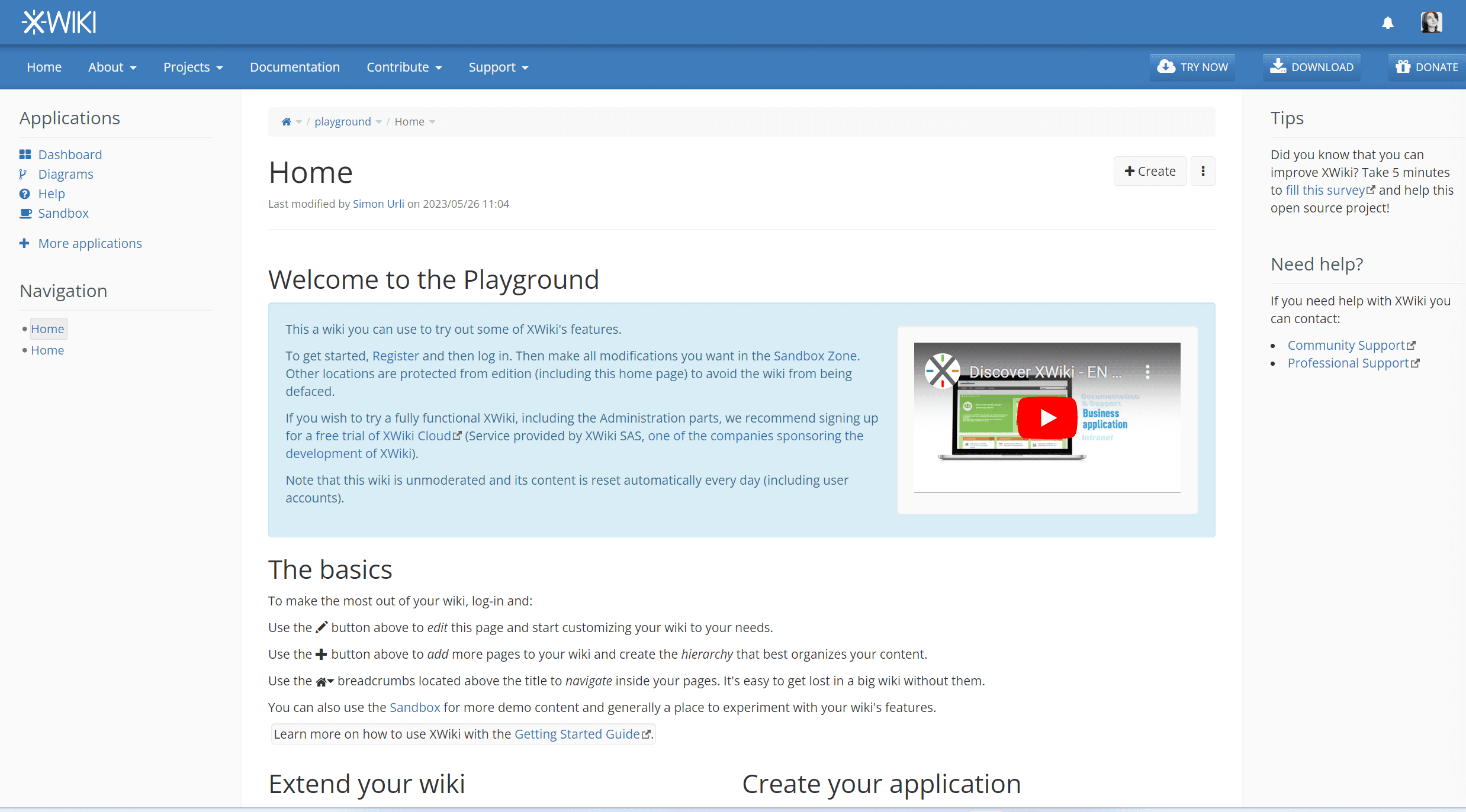
XWiki is a powerful free and open-source Enterprise wiki platform that offers extensive customization features, collaborative editing, document and files management, integration capabilities, and granular rights management. It is a flexible and scalable solution, with many robust features for creating, organizing, and sharing knowledge within organizations. It is written in Java and runs under the LGPL license.
Open-source by nature and by heart, we believe in the freedom to choose any service provider and host your instance in the environment that you prefer, cloud or on-premise. Furthermore, in the last years we've welcomed many Confluence users and facilitated their migration process by developing a free Confluence migrator (now available as a community extension and can be used for testing purposes, but it is not supported and not recommended for production usage), and working on a myriad of bridge macros between Confluence and XWiki (31 at the moment). With full ownership of your data and no worries about lock-in policies, you can migrate from Confluence to XWiki and even to other tools.
⚡We've released the new Confluence Migrator (Pro) for multiple space migration that will improve the speed of your migration process significantly.
The most popular ways in which organizations use XWiki across the globe are internal and external knowledge base, documentation, procedures management, intranet, self-service desk, digital workplace, blogging, and public website. Moreover, because XWiki allows you to build on top of it you can further add use cases to your wiki instance with extensions or XWiki's hundreds of RESTful remote APIs, scripts, and apps made in App Within Minutes. Last, but not least, the XWiki community is active, dedicated in developing the software, and truly embodies collaboration as a driving-value.
XWiki features to check out:
✅ Hierarchical organization of structured content in nested pages and sub-wikis;
✅ Seamless editing using WYSIWYG, Markdown, and wiki syntax editors;
✅ Section editing;
✅ Auto-save and "Save and continue" functionality;
✅ Version rollback, history tracking, and comparison between versions;
✅ Page cycle with multiple actions within a page;
✅ Easy import and export from and to XWiki in multiple formats;
✅ Scripting and automation capabilities;
✅ Collaborative web applications through App Within Minutes;
✅ Efficient navigation via "livetables" (filterable tables) for structured data;
✅ Comprehensive navigation features like search, page index, breadcrumb, URL, jump to page, etc;
✅ Full look & feel customization;
✅ Multilingual support in 40 languages;
✅ Multiple authentication connectors;
✅ Users and Groups rights management (by space, page, user groups);
✅ Built-in powerful SOLR search with advanced filtering;
✅ Notification features, including RSS feed, activity streams, and email alerts for specific pages;
✅ Plus many other features.
What is different compared with other wikis
XWiki can be used as a 1st generation wiki for content collaboration needs (similar to Wikipedia) or as a 2nd generation wiki for collaborative web applications. This means that you can define and manipulate structured data directly within your XWiki instance, enabling the creation of custom data structures and applications. These structures can also be downloaded and reused in other pages as well.
Last but not least, XWiki is designed with enterprise-level features in mind, such as fine-grained access control, security measures, scalability, and extensibility. These attributes empower the development and integration of complex applications, macros, scripts, and plugins, allowing you to tailor the platform to your specific business needs. As your company scales, XWiki can seamlessly scale alongside your operations.
Expert Guide
Compare the best knowledge management software 🎯
We compared Confluence, Notion, XWiki, Microsoft 365, SharePoint, and MediaWiki on criteria that actually matter. Enter your details below and you’ll soon receive the resources on your email.