


Communicating effectively with customers, users, and external stakeholders is about both clarity and accessibility. External documentation is a fundamental component of this communication layer, enabling organizations to provide structured and reliable information at scale.
In this article, we’ll define external documentation, explain how it differs from internal documentation, outline the main types, and share best practices for creating it effectively. We’ll also examine practical external documentation\\ \\examples. Finally, you'll discover how XWiki helps organizations build and maintain external documentation that is structured, accessible, and sustainable over time.
*
What is external documentation?
External documentation refers to all documentation created for people outside your organization, such as customers, users, partners, and developers. It can come in written, audio, or visual format.
While internal documentation is focused on sharing knowledge between teams within the organization, external documentation is designed to communicate clearly with external audiences. The objective is to support them in understanding and using your product or services, often without the need to contact customer support.
When structured properly, external documentation transforms complex information into clear, accessible content that enables users to find answers quickly and solve problems independently. It can include user guides, product documentation, API references, help centers, marketing materials, and more.
At its core, external documentation helps reduce friction, improve user experience, and ensure consistent communication between your organization and the external stakeholders.
Types of external documentation
#1 User documentation
User documentation is one of the most common and comprehensive types of external documentation. It helps users understand how a product or service works and how to use it effectively, regardless of their level of expertise. User documentation can take many forms, including user manuals, quick-start guides, tutorials, and step-by-step user guides.
To be effective, it should be clear, concise, and easy to navigate, often combining written instructions with screenshots or visual aids when necessary. Well-structured user documentation helps reduce the learning curve, improve user satisfaction, and minimize the need for customer support.
#2 Installation guides
Installation guides help users properly install software or hardware. To this end, they can provide installation procedures, step-by-step instructions, configuration tips, or system requirements. Installation guides are particularly important when the setup process is complex or requires multiple configuration steps.
#3 FAQs and external knowledge bases
FAQs and external knowledge bases help users quickly find answers to common questions and solve issues independently. They provide centralized, searchable information that supports self-service and reduces the need for direct customer support. This is particularly useful for products that generate frequent support questions.
#4 API documentation
API documentation is designed for developers and technical teams integrating with a platform or service. It explains how APIs work, how to authenticate requests, available endpoints, parameters, and expected responses. Clear API documentation is essential for improving developer experience and enabling successful integrations.
#5 Marketing materials
Marketing documentation allows organizations to communicate the value of their products or services to prospective customers and external stakeholders. This type of documentation highlights product capabilities, use cases, and business benefits in a clear and accessible way.
Examples include datasheets, brochures, feature overviews, case studies, white papers, and customer success stories. Marketing and sales teams use these materials to explain how a solution addresses real-world challenges and supports customer needs.
Marketing documentation can also go beyond written content. Product demo videos, webinars, and presentations provide engaging and easy-to-understand overviews of products and features. Together, these resources help organizations communicate more effectively with prospects and support the decision-making process.
#6 Partner and reseller documentation
Partner documentation supports external collaborators such as resellers, integrators, or implementation partners. It provides the information needed to promote, deploy, or support a product or service effectively. Examples include partner onboarding guides and sales presentations.
Its goal is to ensure consistency and collaboration across partner ecosystems.
External documentation best practices
Well-structured external documentation improves user experience, reduces support requests, and helps your organization communicate more consistently with customers, users, and partners.
Below are some best practices for building effective external documentation.
#1 Write with your audience in mind
Creating external documentation starts with understanding who you are writing for. Customers, developers, partners, and administrators all have different expectations, technical knowledge, and goals.
Before creating documentation, ask yourself:
- Who will use those resources?
- What problems are they trying to solve?
- What level of technical detail do they need?
Understanding your audience helps you create content that is more relevant, easier to follow, and more useful in real-world situations.
#2 Keep content clear, concise, and localized
External documentation should help your users find answers quickly. Avoid long paragraphs, overly technical explanations, and complex wording. They can make the guides harder to use.
To improve readability:
- Use simple and direct language.
- Break content into smaller sections.
- Add descriptive headings.
- Write step-by-step instructions for processes.
- Use bullet points where appropriate.
- Provide multilingual content tailored to the languages of your audience.
The easier documentation is to scan and understand, the more effective it becomes.
#3 Optimize the content for search engines
Optimizing content for search engines helps improve visibility and makes information easier to discover.
To improve discoverability:
- Use relevant keywords naturally.
- Optimize page titles and metadata.
- Add descriptive image alt text.
- Structure content with clear headings.
- Create meaningful internal links.
Strong SEO practices help users who search for relevant information on the web to access it faster.
#4 Make information easy to find and navigate
Even high-quality documentation loses value if users cannot find the information they need. A clear structure and strong navigation are essential for a good documentation experience.
To improve search results and navigation:
- Organize content into logical categories.
- Use consistent naming conventions.
- Add tags and metadata.
- Link related pages together.
- Provide an advanced search feature.
A well-organized portal helps your audience navigate content more efficiently and reduces frustration.
#5 Keep documentation up-to-date
Outdated documentation can quickly erode trust and create confusion. As products evolve, documentation should evolve with them.
To maintain accurate materials:
- Review content regularly as part of established workflows or periodic content cycles.
- Assign ownership for documentation updates.
- Update documentation alongside product releases.
- Archive or remove outdated content.
- Make sure your docs state the date on which they were last updated.
Maintaining documentation as part of regular workflows ensures long-term reliability.
#6 Encourage self-service
Many users prefer finding answers on their own instead of contacting support teams. Help resources should empower users to troubleshoot issues and complete tasks independently.
This can include:
- FAQs
- Troubleshooting articles
- Step-by-step tutorials
- Videos
- Searchable help centers
#7 Maintain consistency
Consistency helps users navigate documentation more easily and creates a more professional experience.
Organizations should aim for consistency in:
- Terminology
- Formatting
- Page structure
- Writing style
- Navigation patterns
Using templates and documentation style guides can help maintain consistency, especially if multiple people are writing docs.
External documentation examples
XWiki
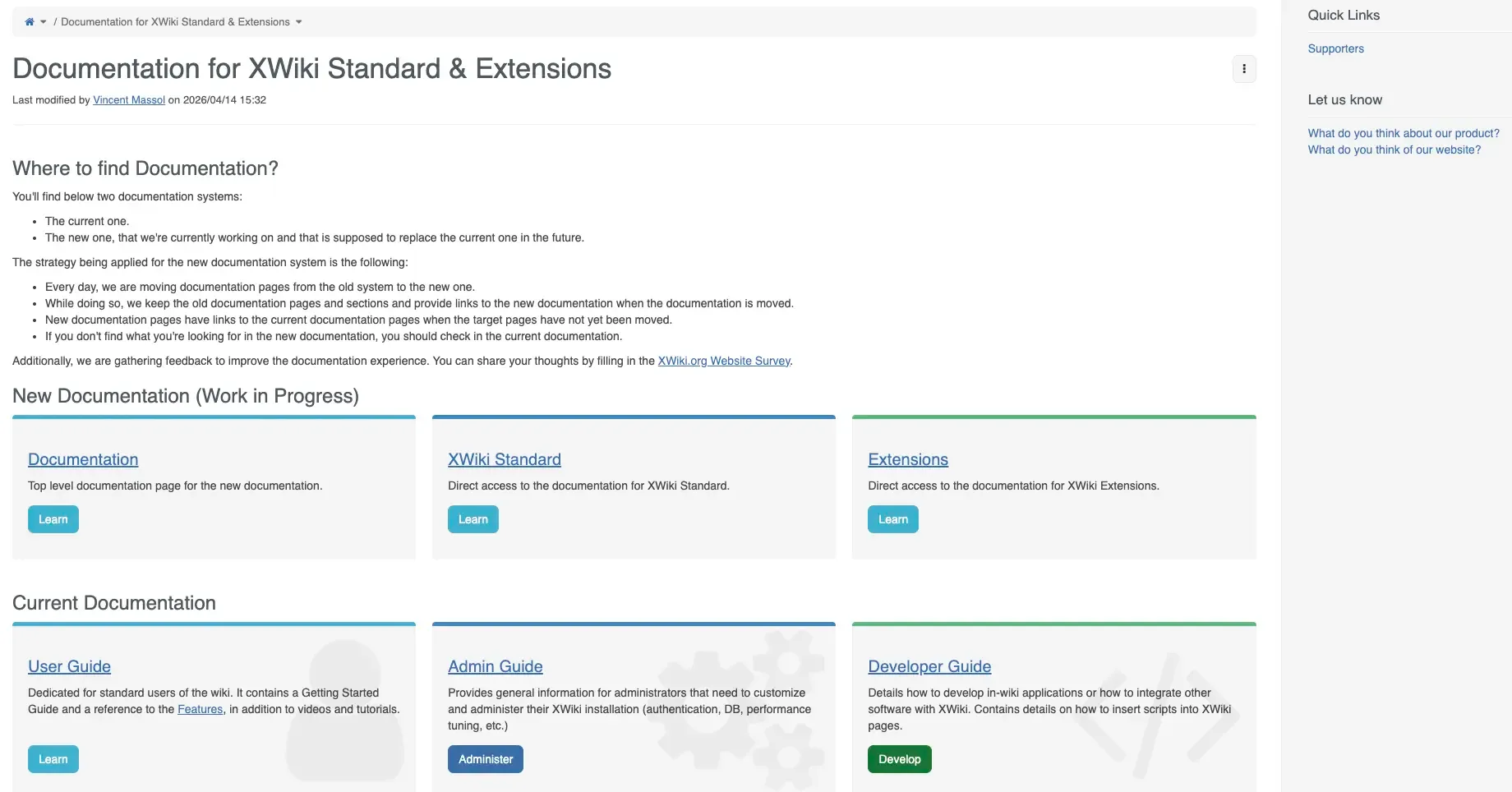
XWiki documentation is designed for both end users and technical teams. The portal includes user guides, administrator documentation, installation instructions, developer resources, and extension documentation. The content is organized into clear categories and includes tags, which makes it easier for users to navigate between functional, technical, and community-related resources.
XWiki also combines written guides with screenshots, code examples, and structured navigation to support self-service and product adoption. There is also a forum that provides an open space for users and contributors. Here they can discuss their experience with the product and suggest improvements.
CryptPad
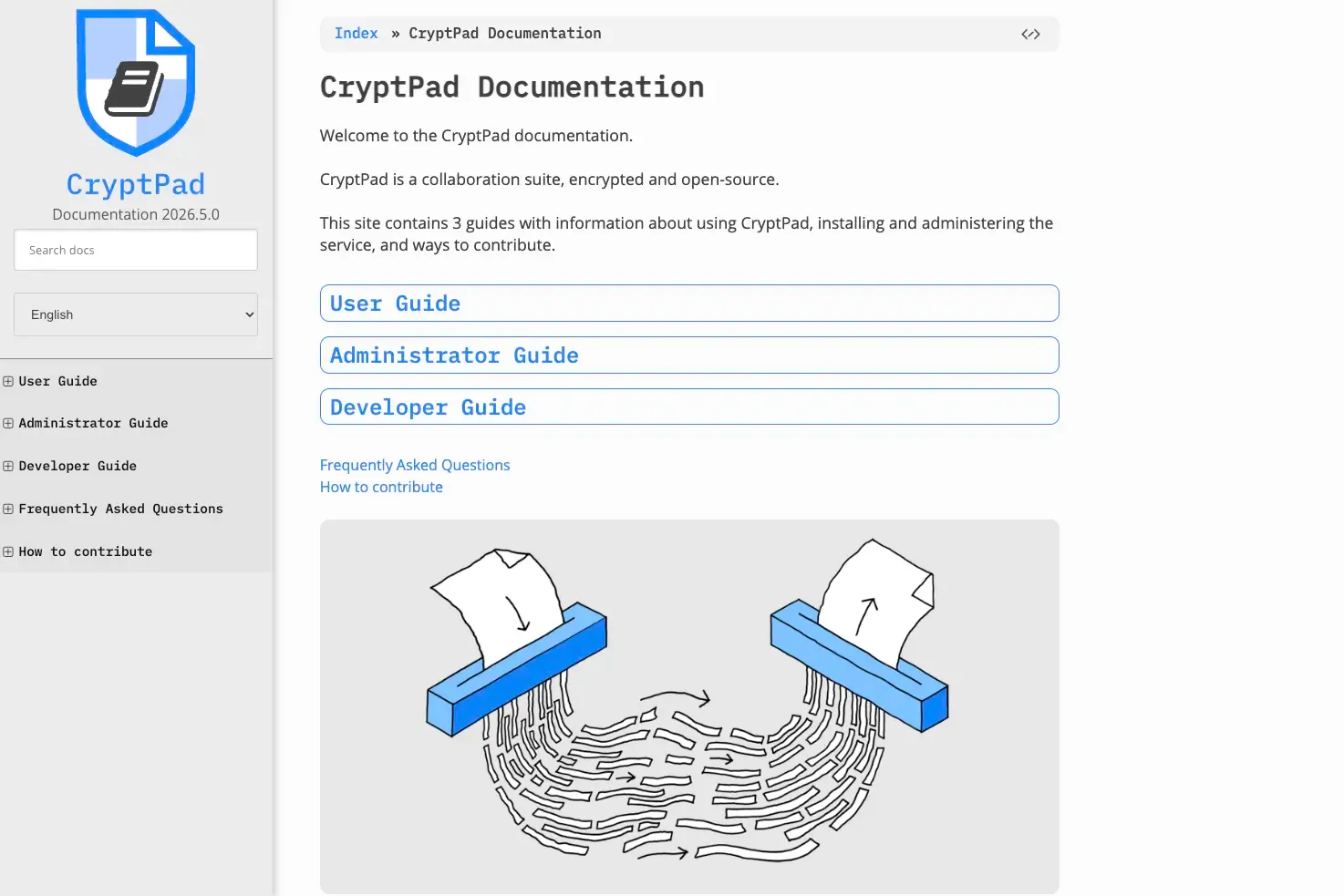
CryptPad documentation focuses on usability, onboarding, and privacy transparency. It is split between user, admin, and developer sections and includes getting-started guides, FAQs, and explanations about security and encryption features. The platform places strong emphasis on accessibility and helping users understand privacy-related concepts in a simple and approachable way. The content is available in 5 other languages, in addition to English.
OpenProject
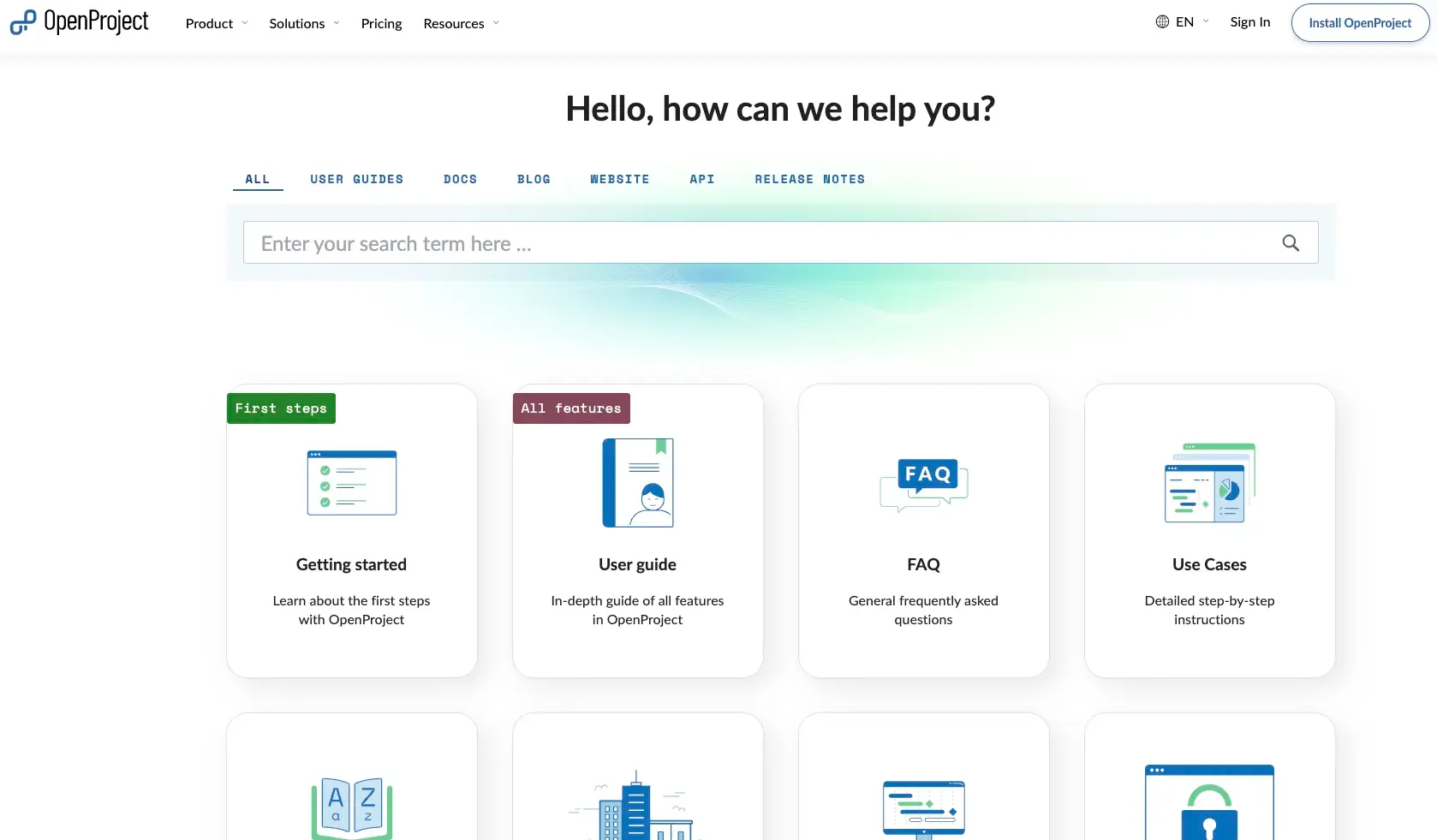
OpenProject provides a documentation portal that combines user documentation, setup instructions, API documentation, and administrator resources. The documentation is structured according to user roles and use cases, helping both technical and non-technical audiences find relevant information quickly. OpenProject also includes tutorials, feature overviews, and configuration guides to support onboarding and product adoption. The documentation is available in 5 European languages.
Nextcloud
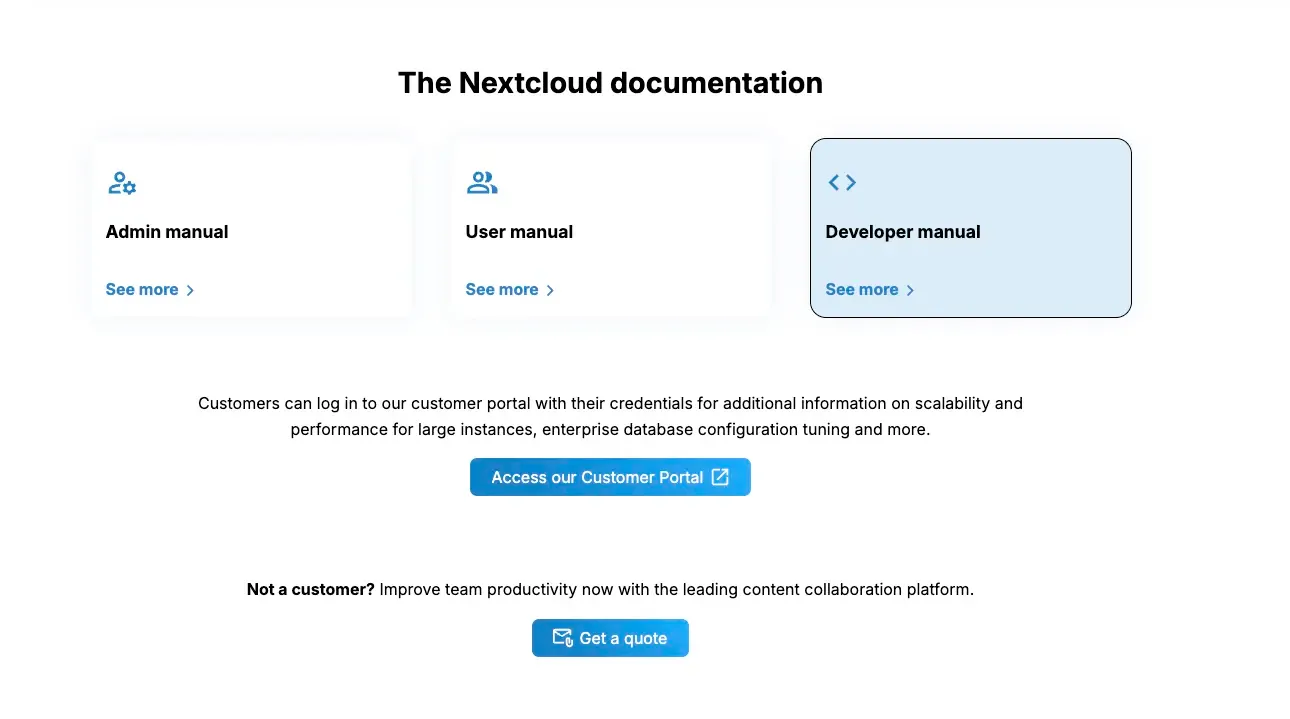
Nextcloud maintains comprehensive external documentation for users, administrators, developers, and enterprise customers. Its documentation ecosystem includes deployment guides, security recommendations, integration documentation, API references, and troubleshooting resources. Clear categorization and version-specific documentation help users access relevant information depending on their environment and deployment needs.
Why choose XWiki as your go-to documentation tool
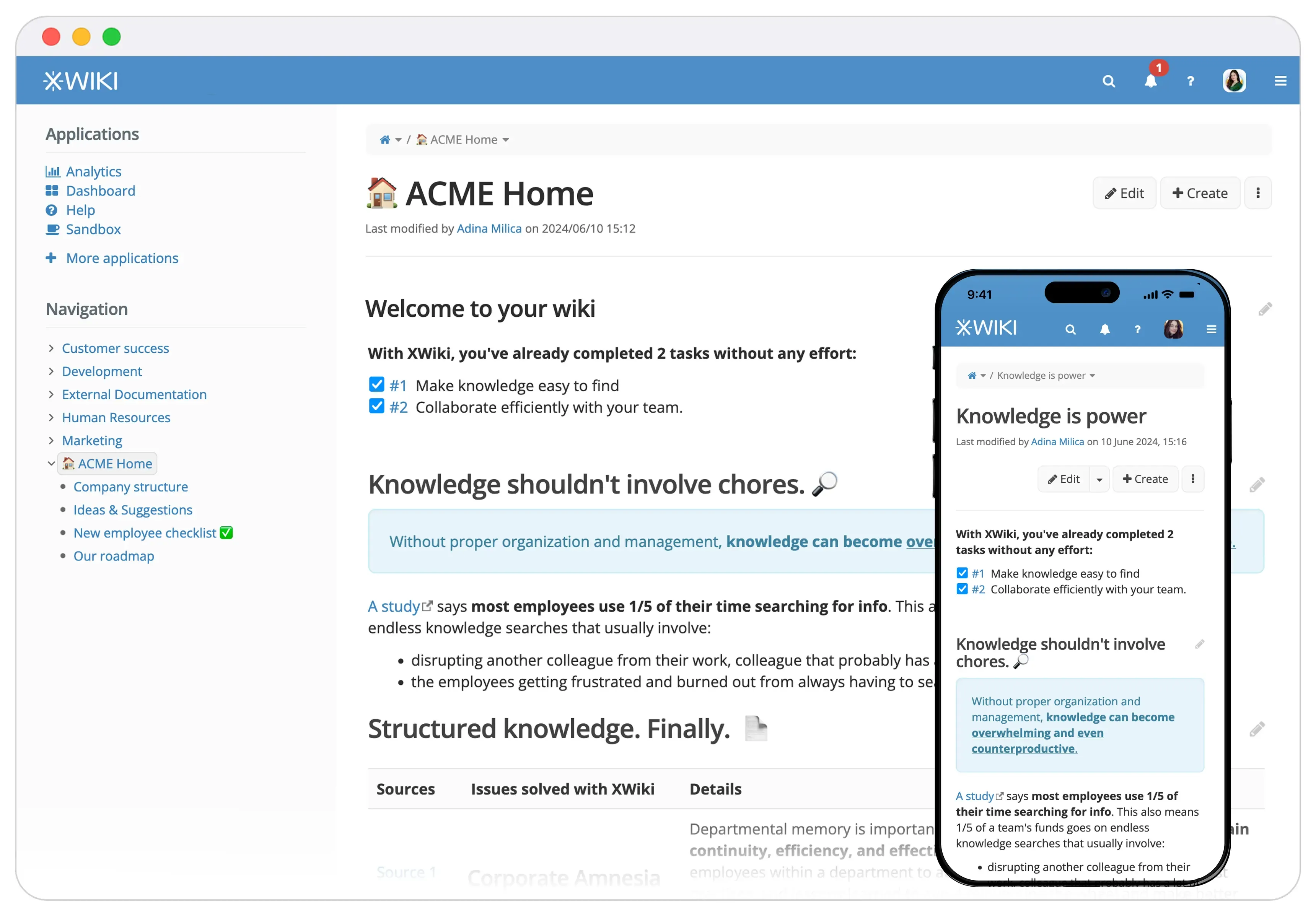
XWiki is an open-source knowledge management and collaboration platform that helps organizations create, organize, and maintain documentation at scale. Thanks to its flexibility and extensibility, XWiki is particularly well suited for external documentation use cases: product documentation portals, help centers, FAQs, API documentation, and partner knowledge bases.
Building effective external documentation requires more than simply creating content. Organizations also need a platform that makes documentation easy to organize, search, maintain, and scale over time. This is where XWiki can help.
✔ Centralize all your documentation in one place
External documentation often exists across multiple tools and platforms, making it difficult to maintain consistency and keep information up-to-date. XWiki helps organizations centralize everything in a single, structured documentation tool that can support different types of content.
💡 Having a centralized external knowledge base makes information easier to manage for documentation teams and easier to access for external audiences.
✔ Organize content with a clear structure
As documentation grows, navigation and discoverability become increasingly important. XWiki provides hierarchical page structures, nested content organization, tagging, and customizable navigation to help users quickly find relevant information.
💡 Combined with advanced search capabilities, customers, users, and partners can access the content they need without unnecessary friction.
✔ Support collaboration and documentation maintenance
Creating documentation is rarely a one-person task. XWiki enables teams to collaborate on content creation and maintenance through features such as unlimited version history, notifications, and comments.
💡 With this collaborative approach, your company can keep documentation accurate and aligned with product changes over time.
Wrapping up
External documentation plays a key role in helping organizations communicate effectively with customers, users, partners, and other external stakeholders. It is thus essential to the success of your business.
However, creating effective external documentation requires more than simply publishing information. Your organization also needs to ensure that content is clear, easy to navigate, consistent, and regularly updated to remain useful over time.
With the right documentation tool and best practices, external documentation can become a valuable asset that improves user experience, reduces support workload, and increases product adoption at scale.